By Clay Shumate
Scaffolding is temporary support that lets a student do a task they could not yet do alone, and that is removed as they get better at it. Fading is part of the definition, not an optional extra. The scaffolding strategies that work in grades 6–12 are cheap: modeling, cue cards, checklists, worked models, and warning students about likely errors.
Key Takeaways
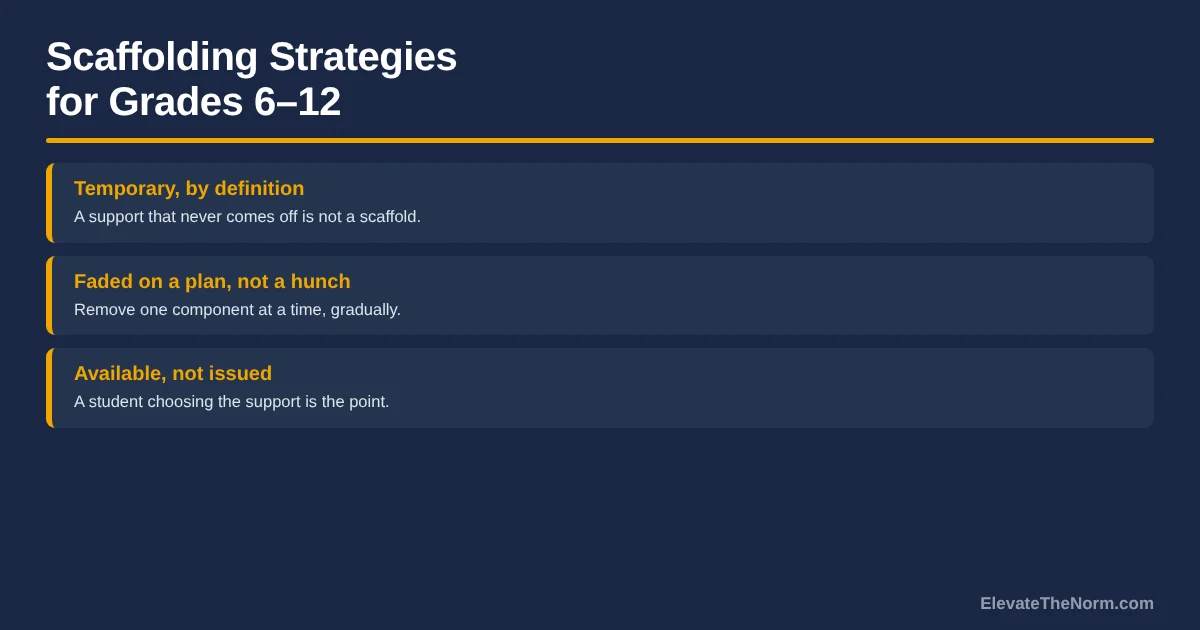
- A support that never comes off is not a scaffold. Reviewers of the research name three characteristics: contingency, fading, and transfer of responsibility. A sentence starter handed out every Monday for a year meets the first and fails the other two.
- Scaffolding and differentiation are not the same thing. A scaffold is temporary and aimed at a task. Differentiation adjusts for a difference that is still going to be there next month. Mixing them up is how a scaffold quietly becomes a lower standard.
- Rosenshine names eight concrete scaffolds, and none of them costs money. Modeling, thinking aloud, cue cards, checklists, a completed model to compare against, reading prompts, an organising prompt, and anticipating likely errors.
- Helping too fast can make high-quality support worse than low-quality support. In a study of 768 students aged 12 to 15, when teachers intervened frequently, less contingent support produced higher achievement and task effort than highly contingent support.
- A scaffold that helped in September can hurt in November. The expertise reversal effect is the finding that guidance which helps novices becomes redundant load for learners who already have the schema, and gradual fading beats an abrupt switch.
Walk into most secondary classrooms and you will find scaffolds. Sentence starters taped inside a folder, a graphic organiser for every essay, a word bank on the board since August. What you will rarely find is a plan for taking any of it away. That is the part of scaffolding that almost nobody runs, and it is in the definition.
This guide covers what scaffolding actually means in the research, how it differs from differentiation, eight specific strategies for grades 6–12, what the evidence does and does not show, and the harder question of when to remove a support. The strategies and sequences are compiled from the sources at the end and from the structures those sources describe. Read them as recommendations, not as a record of any one classroom.
What Is Scaffolding in Education?
Scaffolding is a temporary support a teacher provides so a learner can complete a task that is currently beyond them, withdrawn gradually as the learner becomes competent. Barak Rosenshine defines a scaffold plainly as “a temporary support that is used to assist a learner,” and says scaffolds are “gradually withdrawn as learners become more competent.”
The word comes from a 1976 tutoring study by David Wood, Jerome Bruner and Gail Ross. It is worth knowing what that study actually was, because it gets cited as though it were a classroom trial. According to a research briefing summarising the paper, it involved 30 children aged three, four and five, ten per age band, each working one-to-one with a single tutor to build a wooden block pyramid. Direct hands-on help dropped from a median of 12 instances per child at age three to 3 at age five, and constructions completed with no help rose from 64.5 percent to 87.5 percent.
That is a descriptive study of preschoolers with no comparison group. It named something real and it cannot tell you anything about a ninth grader writing a thesis statement. The briefing says so itself. The origin story is not the evidence base.
The three characteristics that define a scaffold
Janneke van de Pol, Monique Volman and Jos Beishuizen reviewed 66 articles published between 1998 and 2009 in primary and secondary education, and pulled out three characteristics that recur across the definitions.
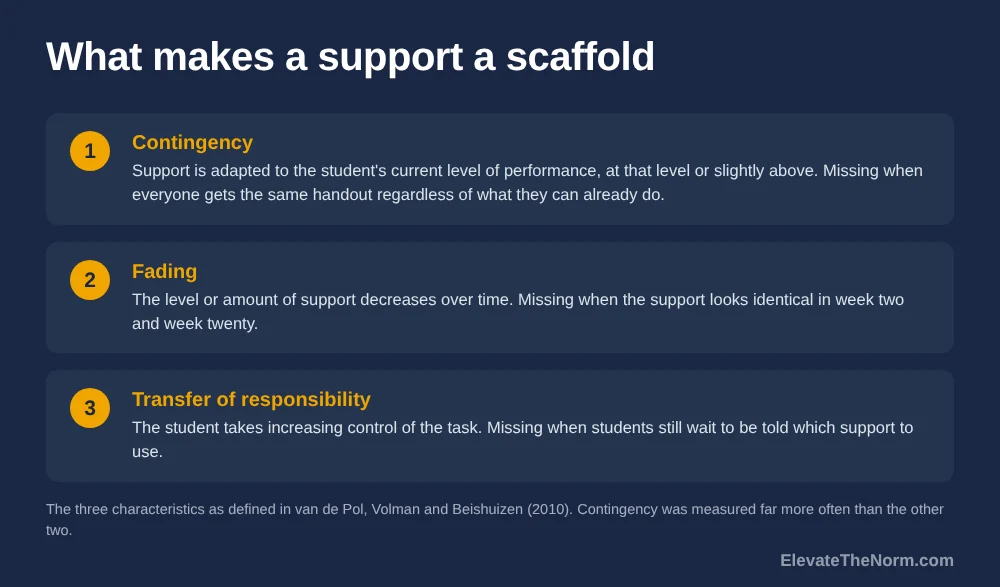
| Characteristic | What it means | How you can tell it is missing |
|---|---|---|
| Contingency | Support is adapted to the student’s current level of performance — at that level or slightly above | Everyone gets the same handout regardless of what they can already do |
| Fading | The level or amount of support decreases over time | The support looks identical in week two and week twenty |
| Transfer of responsibility | The student takes increasing control of the task, cognitively and metacognitively | Students still wait to be told which support to use |
Contingency is worth one extra note, because it has a prerequisite nobody mentions. Support can only be adapted to a student’s current level if you know what that level is this period, which makes checking for understanding the thing that makes scaffolding possible at all. A scaffold chosen from last month’s data is not contingent on anything.
The reviewers’ own finding about these three is the uncomfortable one. Contingency was operationalised far more often than fading or transfer of responsibility. Many studies named all three in their definition and then measured only the first. Establishing that fading happened, they note, requires several observations over time and ideally across different tasks. So the research literature has the same blind spot the average classroom does: everybody agrees support should come off, and almost nobody checks whether it did.
What Is the Difference Between Scaffolding and Differentiation?
A scaffold is temporary and attached to a task; differentiation is an ongoing adjustment for a difference between students. Scaffolding assumes the support comes off. Differentiation does not. Treating a permanent accommodation as a scaffold is how the support stops being support and becomes a different, lower standard.
| Scaffolding | Differentiation | |
|---|---|---|
| What it responds to | A task the student cannot yet do alone | A difference in readiness, interest or profile |
| Time horizon | Temporary, by definition | Ongoing for as long as the difference persists |
| Success looks like | The student no longer needs it | The student can access the same standard |
| The standard itself | Unchanged | Unchanged |
| Main failure mode | It never gets removed | It becomes a permanent lower track |
Both are legitimate and they overlap in practice. An accommodation written into an IEP or a 504 plan is not a scaffold and is not a teacher’s to fade. It is a documented entitlement, changed through the team that wrote it, and “they seem to be doing better” is not the process. The problem this article is about is the reverse case: a temporary support that was never meant to be permanent, quietly becoming permanent because removing it would be awkward. If what you need is the full picture of adjusting instruction for a mixed class — including the honest question of how you do any of this with 150 students — differentiated instruction strategies is the page for that. This one is about the supports that are supposed to disappear.
Eight Scaffolding Strategies That Work in Grades 6–12
Rosenshine’s “provide scaffolds for difficult tasks” principle names eight specific supports. All eight are things a teacher can build in a planning period, and all eight are designed to be removed.
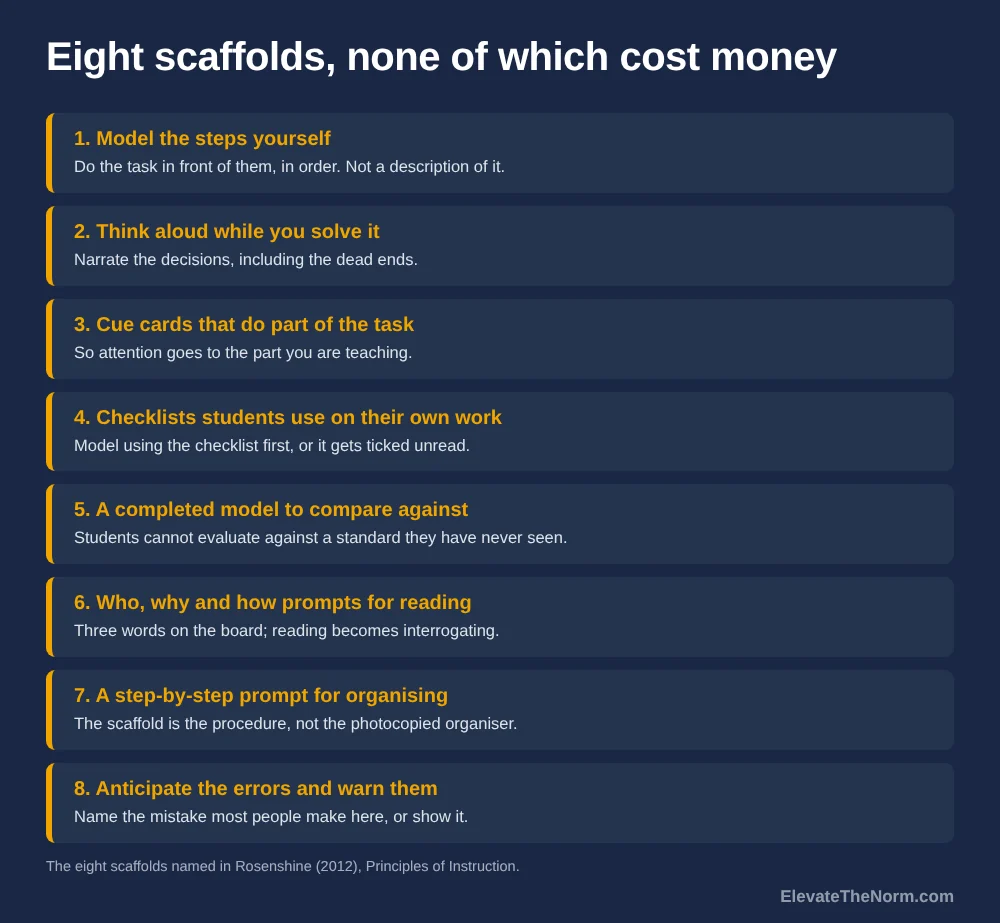
- Model the steps yourself. Do the task in front of them, in the order you want it done. Not a description of the task — the task. This is the cheapest scaffold there is and the one most often replaced by instructions.
- Think aloud while you solve it. Narrate the decisions, including the dead ends. Students who have only ever seen finished work assume competent people do it right first time, which is the single most discouraging belief in a classroom.
- Cue cards that complete part of the task. Rosenshine’s framing is important: a cue card does some of the work, so the student can spend their attention on the part you are teaching. A card listing transition words while you teach argument structure is doing its job.
- Checklists students use to judge their own work. Rosenshine’s version has the teacher model using the checklist first. An unmodelled checklist gets ticked without being read.
- A model of the completed task to compare against. Not an exemplar to copy — a finished piece students hold their own work next to. This is the scaffold that makes self-assessment possible at all, because a student cannot evaluate against a standard they have never seen.
- Prompts for generating questions while reading. Rosenshine names “who,” “why” and “how” as the prompts. Three words on the board, and the comprehension task changes from reading to interrogating.
- A step-by-step prompt for organising material. His example is drawing a central box and skimming for main ideas. The scaffold is the procedure, not the graphic organiser you photocopied.
- Anticipate the errors and warn them first. Tell students the mistake most people make here, or show it. This is the one teachers skip because it feels like putting the idea in their heads, and it is the one that saves the most re-teaching.
Rosenshine groups all of this under cognitive apprenticeship, where a master models, coaches and supports until the learner can work alone, and he is explicit that providing scaffolds is a form of guided practice rather than a substitute for it. He also notes something honest: students may still reach for a scaffold on an especially hard problem even after they have outgrown it on ordinary ones. That is not regression. It is what a scaffold is for.
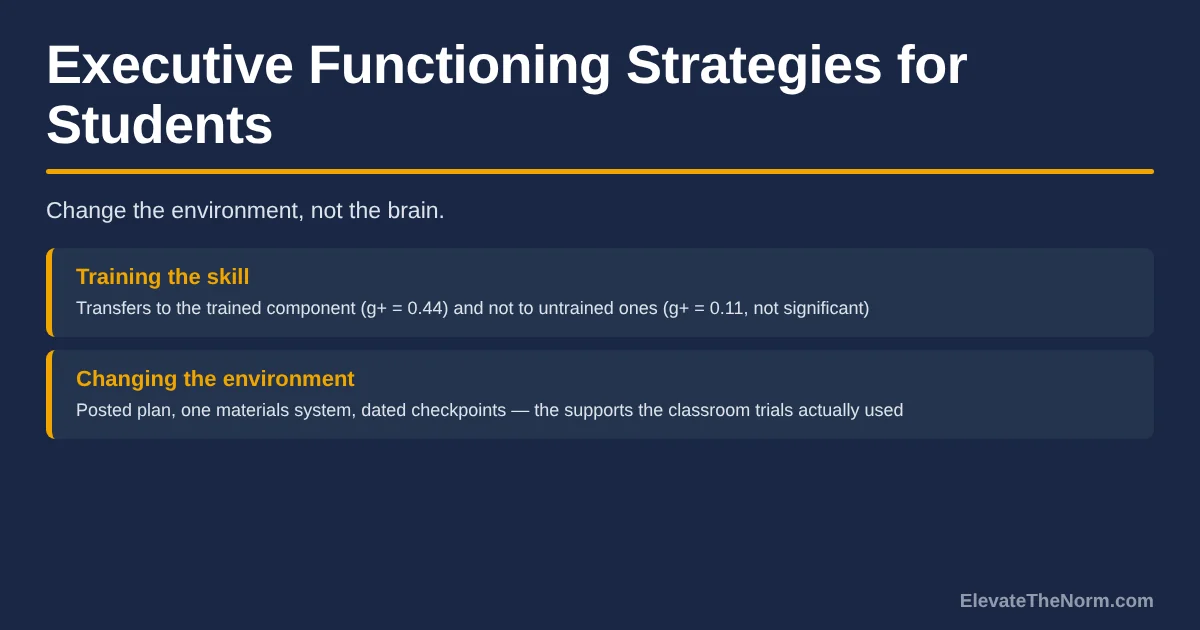
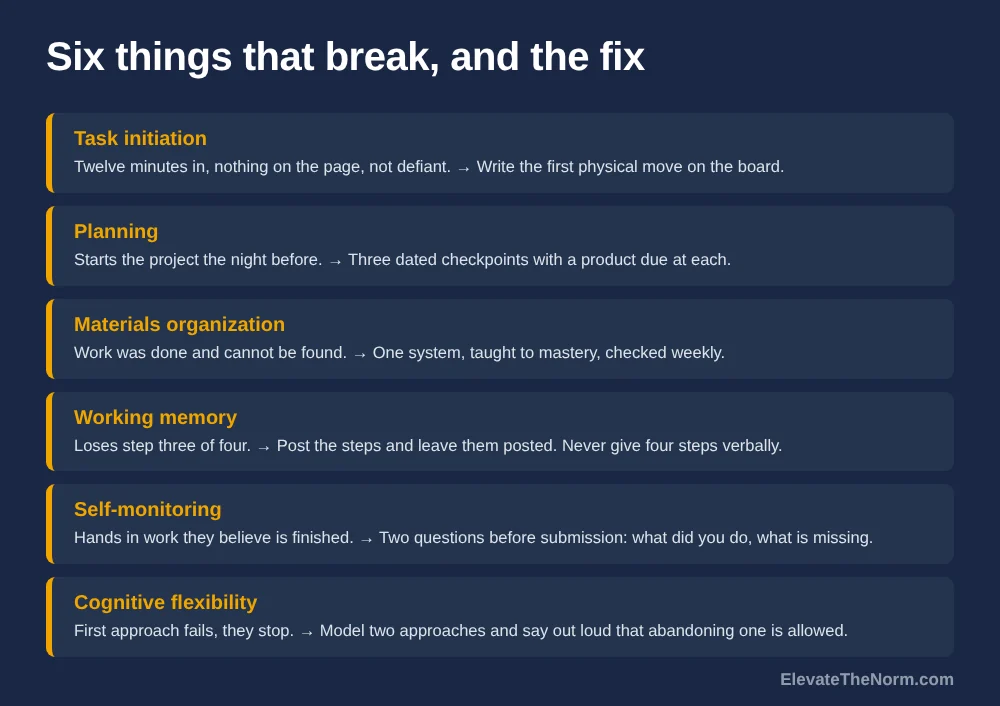
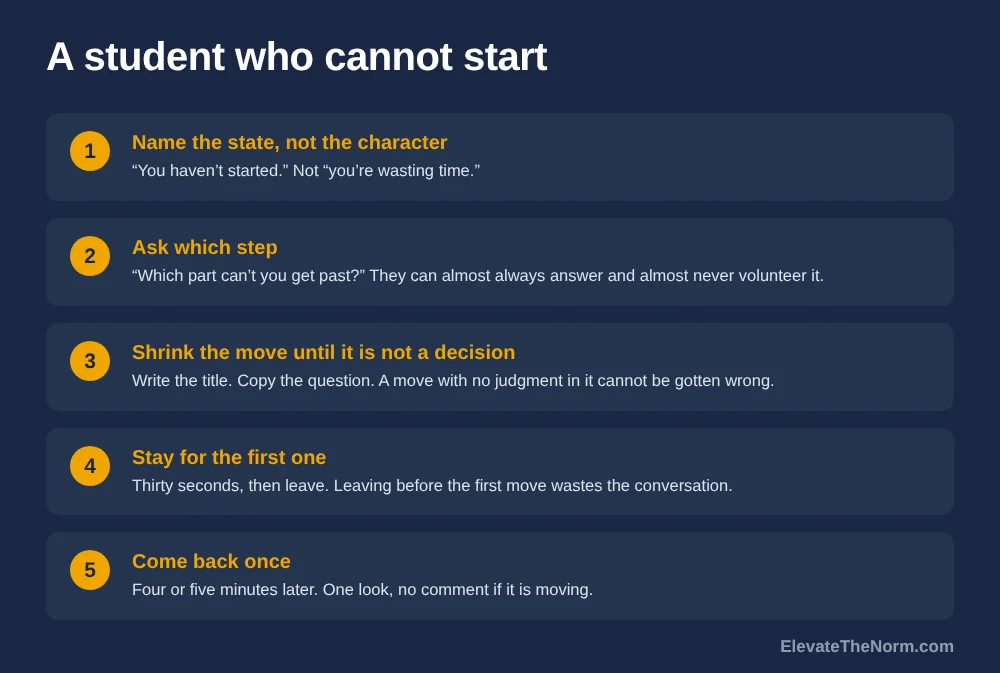
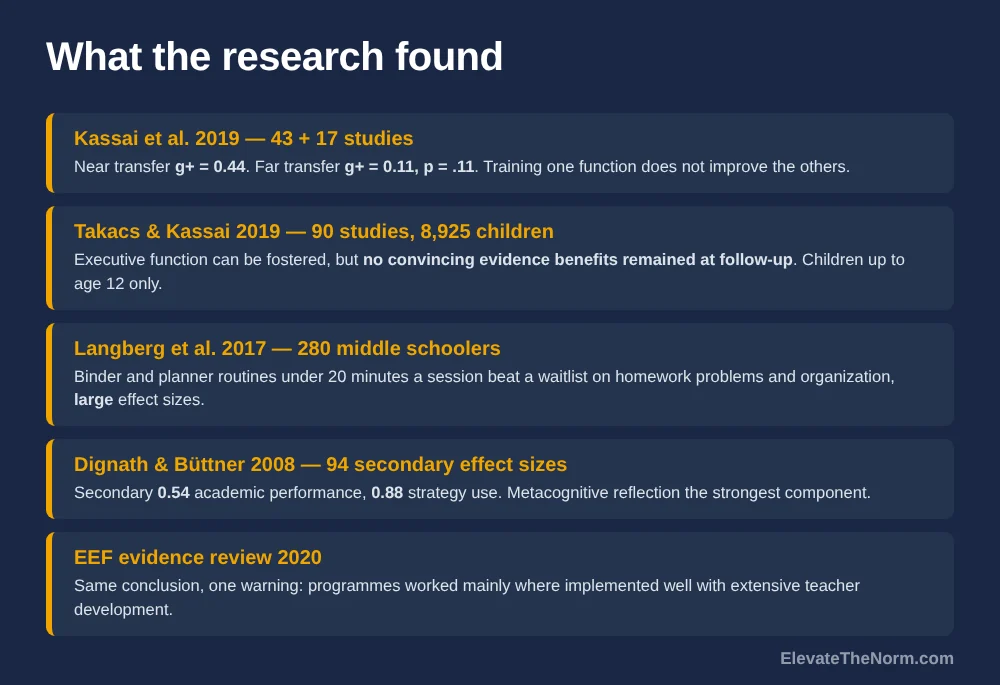
Two adjacent problems have their own pages. If the students you are scaffolding cannot start a task because they cannot plan one, that is a different lever — executive functioning strategies for students covers it. If they do not know what success looks like in the first place, start with learning targets, because a scaffold toward an unclear goal is just extra paper.
Does Scaffolding Actually Improve Achievement?
The evidence is positive for thinking and learning activities and genuinely mixed for achievement. Reviewers found only eight effectiveness studies in a decade of research, most of them one-to-one tutoring with simple tasks. The one large secondary-classroom experiment found scaffolding is “not unequivocally effective.”
Van de Pol and colleagues’ review of a decade of scaffolding research concluded that results on students’ cognitive and metacognitive activities indicate scaffolding is effective, while results on affect were less consistent. Their 66 articles break down into 27 theoretical, 26 descriptive and only eight effectiveness studies, some with very small samples — nine students in one case. Their own recommendation was for more research in naturalistic classrooms with a wider range of tasks.
Five years later the same lead author ran something much closer to a real classroom, and the result is the most useful finding in this article. In a study published in Instructional Science, 30 social studies teachers and 768 students aged 12 to 15 worked through a five-lesson project on the European Union. The researchers measured how contingent each teacher’s support was and how long students worked independently before the teacher intervened.
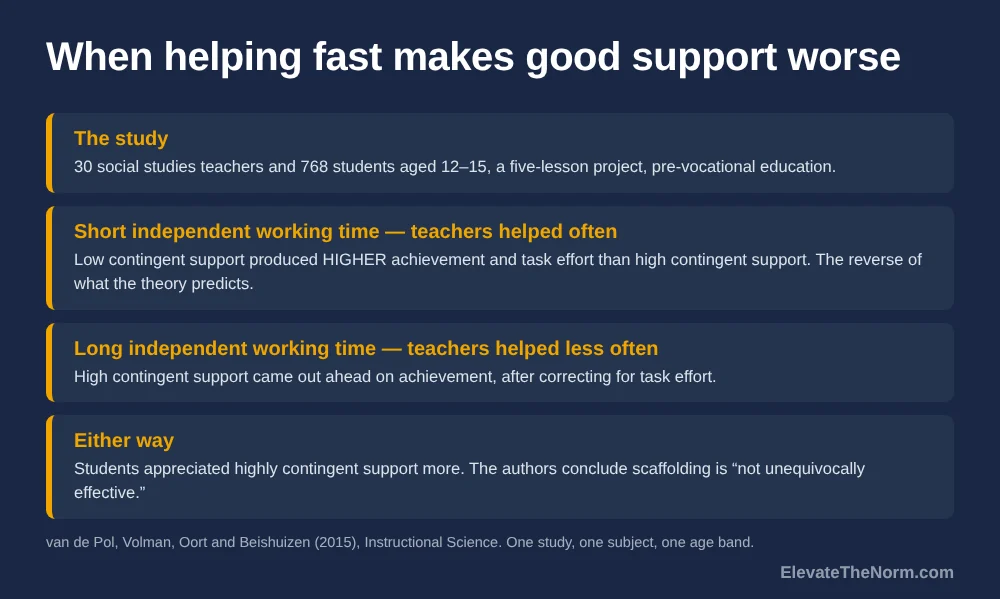
What they found runs against the theory. When independent working time was short — that is, when teachers helped frequently — low contingent support produced higher achievement and task effort than high contingent support. Only when students worked independently for longer did high contingent support come out ahead on achievement, after correcting for task effort. Students appreciated highly contingent support more either way. The authors’ conclusion is that scaffolding is not unequivocally effective and that its value depends on independent working time and student effort.
Read carefully, that is not an argument against scaffolding. It is an argument that when you intervene matters at least as much as how well. Carefully tuned help delivered constantly appears to do less good than blunter help delivered after students have struggled for a while. One study in one subject with one age band cannot settle that, and this is pre-vocational social studies in a five-lesson project, not your course. But it is the closest thing in this literature to a secondary classroom, and it points the same way as the fading research below. The piece on productive struggle in grades 6–12 walks through that timing question on its own terms.
When Should You Take a Scaffold Away?
As soon as the student can do the part the scaffold was doing, and gradually rather than all at once. The expertise reversal effect is the finding that instructional support which helps a novice can stop helping, or start hurting, once the learner has built the relevant knowledge.
Slava Kalyuga, Paul Ayres, Paul Chandler and John Sweller set this out in “The expertise reversal effect” in Educational Psychologist. The mechanism is working memory. A novice has no schema, so explicit guidance helps them build one. A learner who already has the schema has to spend working memory cross-referencing your support against what they already know — load with no return.
The studies they summarise are mostly adult and vocational: electrical trainees, mechanical trade apprentices, industrial machinery operators, plus one high school biology study where added text coherence helped low-knowledge readers and the original, less coherent text served high-knowledge readers better. The paper reports no effect sizes and most of its samples are not secondary students. The pattern is consistent across eight separate reversals, which is what makes it worth taking seriously, but nobody should present it as a finding about teenagers.
Their practical recommendations are three, and they are the whole fading argument in a paragraph. Match the support to the learner’s experience, because a design that ignores experience produces inconsistent results and can backfire. Reduce guidance as knowledge grows, since experienced learners generally do better with minimal guidance. And fade gradually rather than switching abruptly — they cite Renkl and colleagues finding that a gradual move from worked examples to independent problems outperformed an abrupt one.
How Do You Fade a Scaffold Without Losing Half the Class?
Fade one component at a time, on a schedule you set in advance, and keep the scaffold available for the hardest version of the task. Deciding in advance is the part that matters, because a scaffold with no removal date is a scaffold that stays.
- Write down what the scaffold is doing for the student. One sentence. “This organiser is holding the structure so they can concentrate on evidence.” If you cannot write it, you cannot tell when it is no longer needed.
- Name the evidence that it has done its job. Not a feeling. A specific thing a student produces — a paragraph with the structure in it and no organiser on the desk.
- Remove one component, not the whole support. Drop the sentence starters and keep the headings. Keep the checklist and stop modelling it. Abrupt removal is the version the research says works least well.
- Lengthen independent working time before you lengthen the task. This is the lever the 768-student study points at. Let students work longer before you intervene, and intervene well when you do.
- Make the scaffold available rather than issued. On a shelf, in a folder, on request. A student choosing to pick up a cue card is transfer of responsibility; the same card on every desk is not. This also solves the fairness problem that contingency creates: if support is available to everyone and chosen by each student, nobody has been publicly handed the easier version.
- Keep it for the hard version. Rosenshine’s point stands: reaching for a scaffold on an unusually difficult problem is appropriate use, not relapse. Fade it for the routine task and leave it in reach for the stretch one.
The step students notice most is the fifth. Moving a support from issued to available changes who is deciding, and that decision is the thing you were trying to teach the whole time.
Where Does Scaffolding Go Wrong?
Three failure modes cover nearly all of it: the support never comes off, the support quietly replaces the standard, and the teacher intervenes before the student has done any thinking worth supporting.
- The permanent scaffold. Nobody decided to keep it forever; no date was ever set. Fix: set the removal condition at the same time you build the scaffold, in writing.
- Scaffolding the standard instead of the task. The organiser gets so complete that filling it in is the assignment. Fix: check whether a student could score well on your rubric without doing the thinking the standard names. If they could, the scaffold has eaten the task.
- Helping too fast. The teacher circulates, sees a stalled student, and solves it. Fix: the fourth step above. The secondary-classroom study found frequent intervention undercut even well-tuned support.
- The same scaffold for everyone. Which fails the contingency characteristic outright. Fix: two versions, or one version offered rather than issued.
- No way to tell whether fading happened. The review’s own blind spot. Fix: one dated note per unit on what came off. Establishing fading takes observations over time, and a memory is not an observation.
What to Do Next Week
Pick one scaffold already in use, write down what it is doing and what evidence would show it is no longer needed, then remove one component of it. That is the whole intervention, and it costs about ten minutes.
Clay’s take, as a grades 6–12 teacher: the honest reading of this research is that scaffolding is not the high-leverage move it gets sold as. Eight effectiveness studies in a decade, mostly one-to-one tutoring, and the one large secondary experiment finding that helping frequently made good support worse — that is not a reason to stop scaffolding. It is a reason to stop treating a stack of graphic organisers as evidence of good teaching.
The part that matters for how students are treated is the fading. A support you never remove tells a sixteen-year-old you do not expect them to get past needing it. Taking it away on a plan, telling them that is the plan, and leaving it in reach for the hard version tells them the opposite. Holding a high standard and handing over the support are the same act, done in the right order. That is the argument for high expectations, applied to paper.
And if a student is far enough behind that no scaffold is reaching them, the conversation is a different one. How to talk to a student who is failing covers that, and it is a better use of a planning period than a sixth organiser.
Sources
- Van de Pol, J., Volman, M., & Beishuizen, J. (2010). Scaffolding in teacher–student interaction: A decade of research. Educational Psychology Review, 22, 271–296. Review of 66 articles from 1998 to 2009 in primary and secondary education; only 8 were effectiveness studies, most one-to-one tutoring with simple tasks, one with 9 students. The authors state there is no agreed definition of scaffolding and no instrument covering all three characteristics. Read in full, via the author’s thesis chapter.
- Van de Pol, J., Volman, M., Oort, F., & Beishuizen, J. (2015). The effects of scaffolding in the classroom: Support contingency and student independent working time in relation to student achievement, task effort and appreciation of support. Instructional Science, 43(5), 615–641. 30 social studies teachers, 768 students aged 12–15, pre-vocational education, a five-lesson project. The authors state scaffolding is “not unequivocally effective.” Abstract and findings read; the full paper is paywalled and was not read.
- Kalyuga, S., Ayres, P., Chandler, P., & Sweller, J. (2003). The expertise reversal effect. Educational Psychologist, 38(1), 23–31. A review article summarising eight reversals across other researchers’ studies. It reports no effect sizes, and most samples are adult trainees and apprentices rather than school students; one high school biology study is named. Read in full.
- Rosenshine, B. (2012). Principles of instruction: Research-based strategies that all teachers should know. American Educator, 36(1), 12–19, 39. Source of the scaffold definition and all eight named scaffolds. A practitioner synthesis of three research areas, not a study; adapted from the author’s 2010 report for the International Academy of Education. Read in full.
- Wood, D., Bruner, J. S., & Ross, G. (1976). The role of tutoring in problem solving. Journal of Child Psychology and Psychiatry, 17(2), 89–100. I read a summary, not the paper: Support that fades, Structural Learning research briefing. The study involved 30 children aged three to five, one-to-one, with no comparison group; the briefing states it describes a pattern rather than showing that fading caused the gains. The journal article itself was not reachable.
What is scaffolding in simple terms?
Temporary help that lets a student do something they cannot yet do alone, which you then take away as they improve. Rosenshine’s definition is a temporary support used to assist a learner, gradually withdrawn as learners become more competent. If the help is never withdrawn, it stopped being a scaffold and became a permanent feature of the task.
What is the difference between scaffolding and differentiation?
Scaffolding is temporary and aimed at a specific task the student cannot do yet. Differentiation is an ongoing adjustment for a difference in readiness, interest or profile that is likely to still be there next month. Both keep the standard the same. The difference is whether the support is supposed to disappear.
What are some examples of scaffolding strategies for secondary students?
Rosenshine names eight: modeling the steps, thinking aloud while solving, cue cards that do part of the task, checklists students use on their own work, a completed model to compare against, who-why-how prompts for reading, a step-by-step prompt for organising material, and warning students about likely errors in advance.
Does scaffolding actually improve student achievement?
The evidence is mixed. A review of a decade of research found only eight effectiveness studies, mostly one-to-one tutoring, and concluded scaffolding helps cognitive and metacognitive activities. A study of 768 students aged 12 to 15 found it is not unequivocally effective, because its value depends on how long students work independently first.
When should you remove a scaffold?
When the student can do the part the scaffold was doing, and in stages rather than all at once. The expertise reversal effect shows that guidance helping a novice can become redundant working-memory load for a learner who already has the knowledge. Research cited in that paper found gradual fading outperformed an abrupt switch.
Can you scaffold too much?
Yes, in two ways. A scaffold can get so complete that filling it in becomes the assignment, which replaces the standard rather than supporting it. And intervening too often appears to undercut even well-tuned support: when teachers helped frequently, less contingent support produced higher achievement than highly contingent support in one secondary study.
Won’t students feel singled out if some of them get extra support?
They will if you hand it to them. Offering the scaffold to the whole class and letting each student decide whether to pick it up removes the public sorting while keeping the support available, and choosing it is itself the transfer of responsibility the research describes. Accommodations written into an IEP or 504 plan are a separate matter and are not a teacher’s to withdraw.
Is it a problem if students keep using a scaffold after you fade it?
Not necessarily. Rosenshine notes students may still lean on a scaffold for especially hard problems after outgrowing it on routine ones, and that is appropriate use rather than regression. The useful move is to fade it for the ordinary version of the task and leave it available on request for the harder version.